
Available now for iPhone
Feel like yourself after work.
A little movement. A moment for your eyes. Room to breathe. Deskdew fits small, restoring breaks around your working hours, so there’s more of you left when the day is done.
Free to use · Optional Pro · No account, no analytics
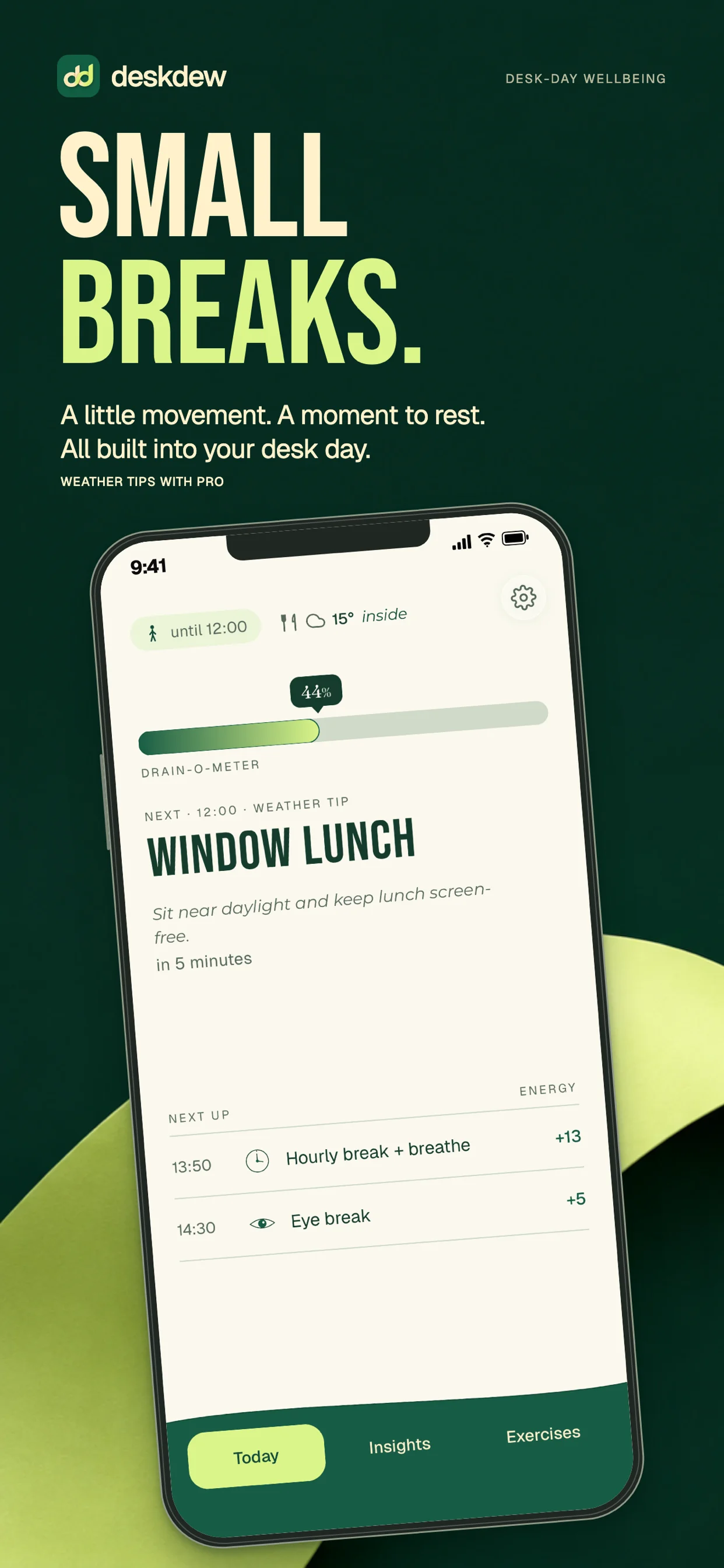
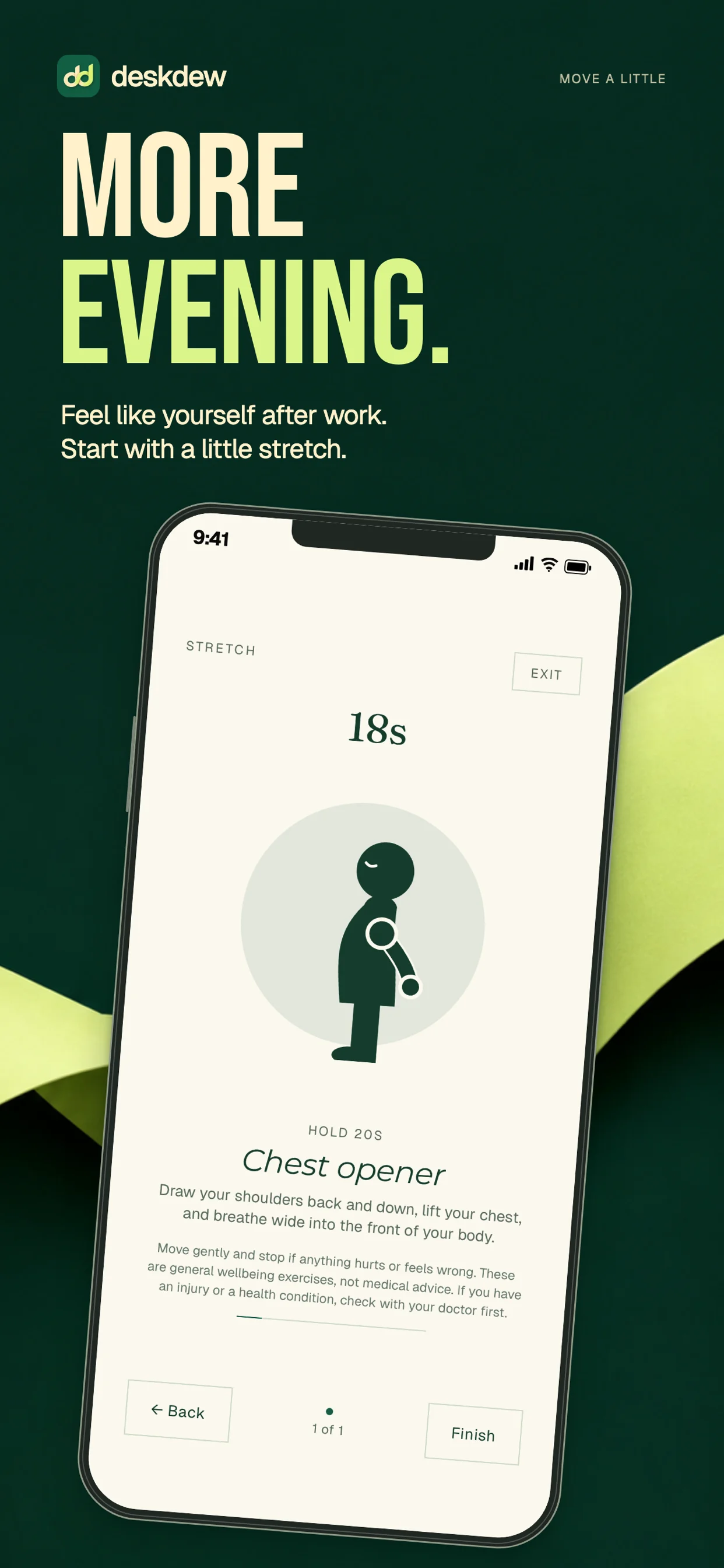
A little rhythm for your working day.
Set your hours. Choose your breaks. No streaks to protect, and no guilt when life gets in the way.
01
Set your workday
When you start, when you stop, when lunch is, which days. Night shifts included.
02
Get nudged
Eye rest. Stretch. Breathe. Stand up. Sit back down. Short and specific.
03
Refill as you go
Log a break and add points to your Drain-O-Meter. A small reminder that the pauses count.
04
Score the day
One tap at clocking-off, on a scale of one to ten. Eight factors if you want to say why.
The day check-in
From drained to refreshed.
How did the day actually feel? Pick a number from one to ten when you log off, from Drained to Refreshed. Add a factor or two to remember what helped and what got in the way. No journal to fill in.
Your Drain-O-Meter keeps track of your break habits; the check-in is your own reflection. As your history grows, Pro helps you explore the patterns behind your better days.
Good
7–8 of 10
Try a band to explore the scale.
What shaped your day?
- Sleep
- Meetings
- Focus / flow
- Interruptions
- Daylight
- Movement
- Breaks
- Workload
Each one is neutral until you tap it up or down. Neutral factors are simply left out of the day.
Make it yours · Deskdew Pro
Good things to come back to.
Swipe to explore
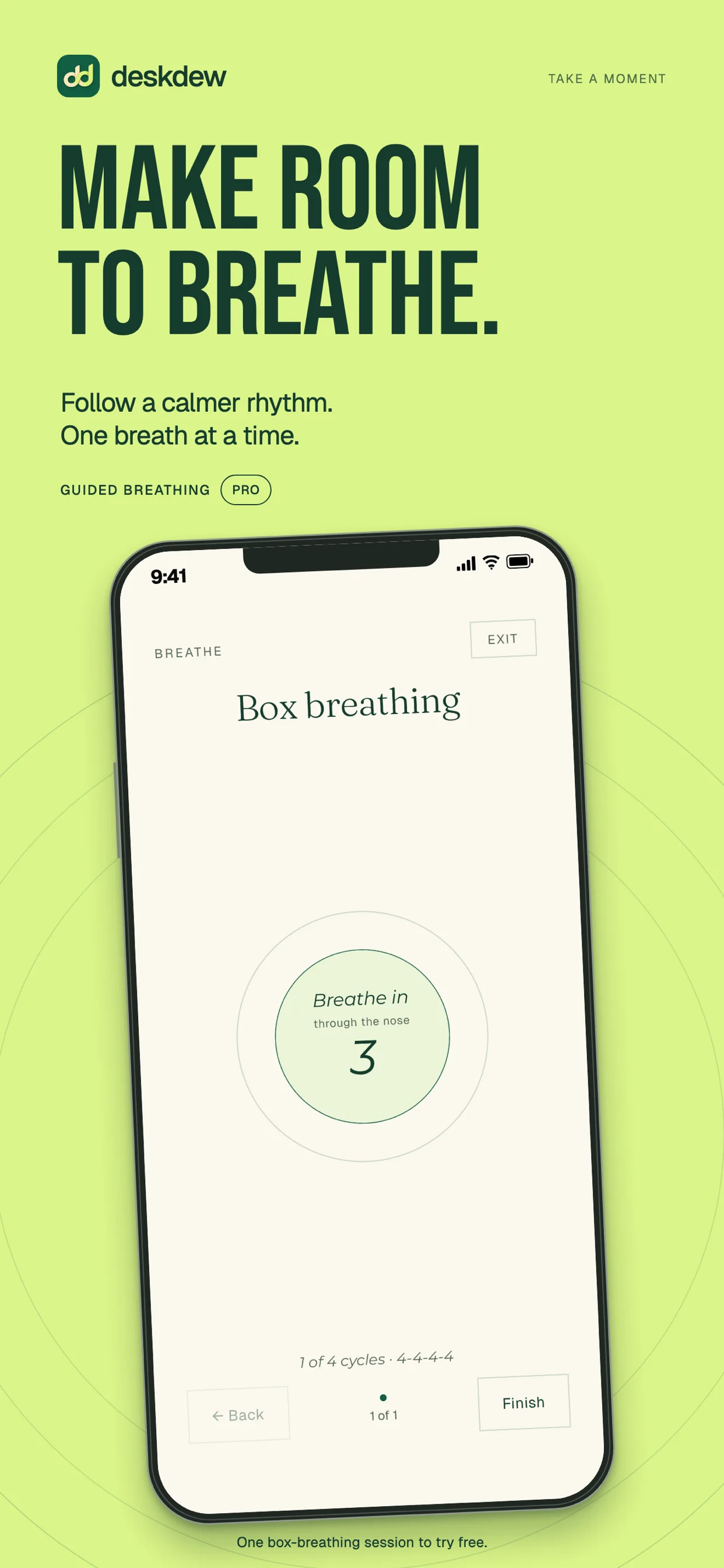
A moment to reset
Follow a guided box or 4-7-8 breathing session. A steady rhythm, with the counting taken care of.
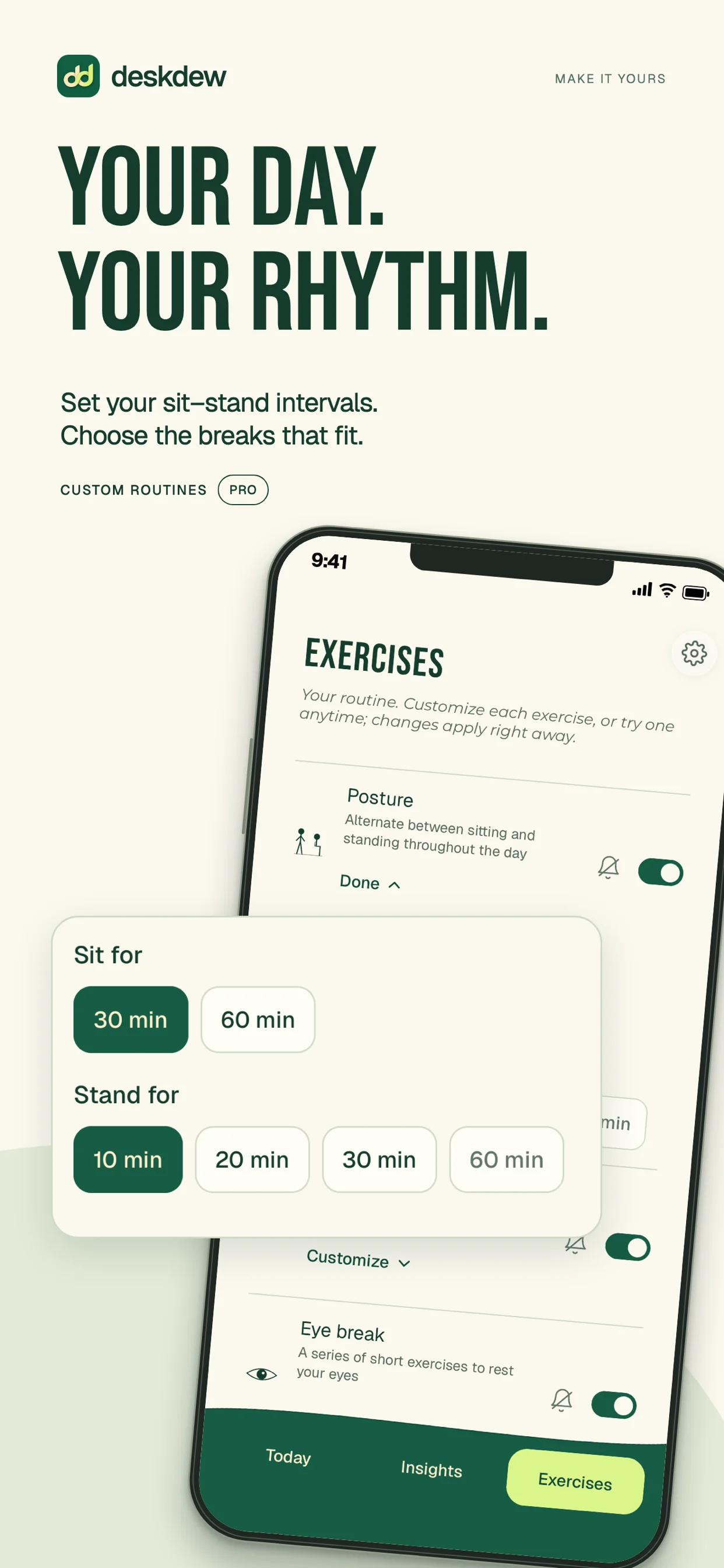
A routine that fits you
Choose your exercises, adjust your sit–stand intervals, and make room for the breaks that suit your day.
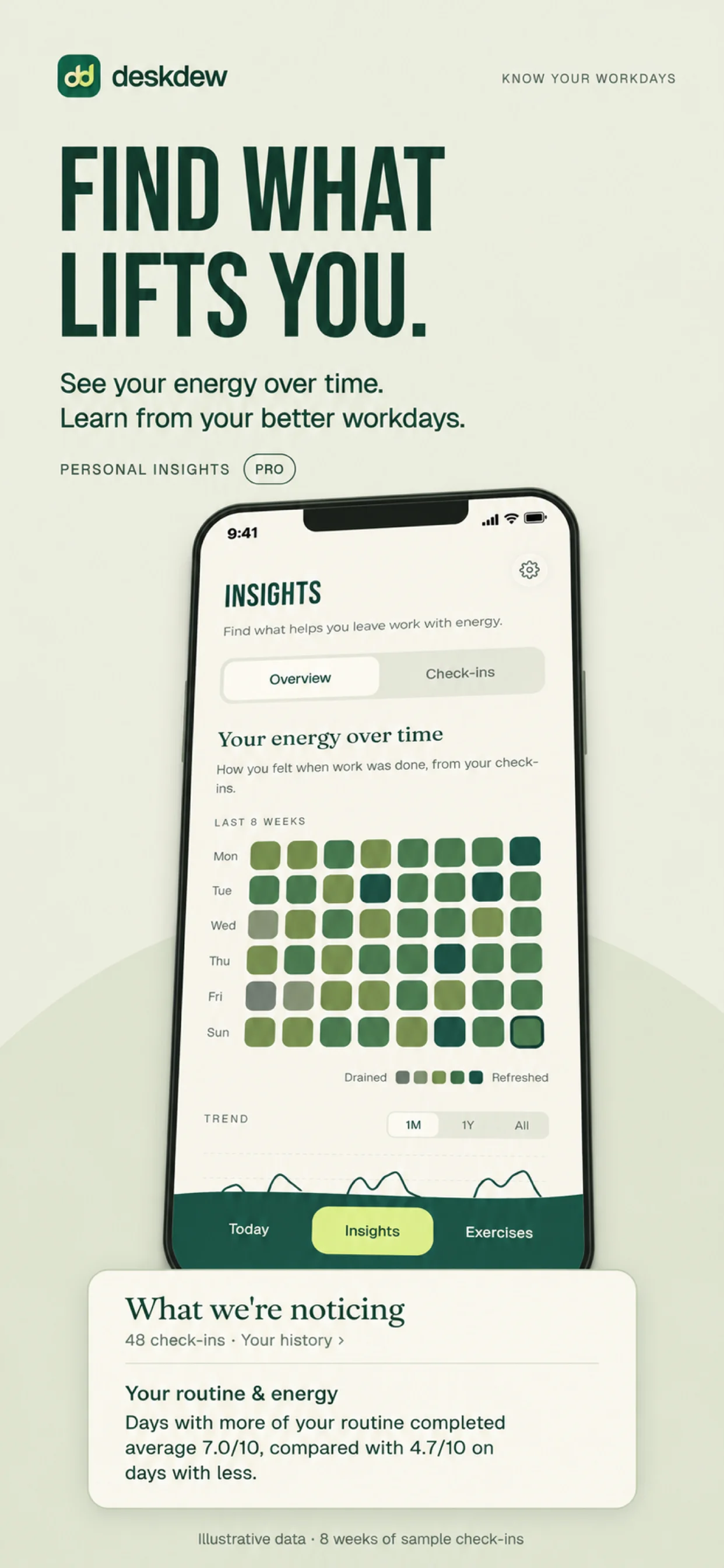
Learn from your workdays
Explore your check-in history and the patterns behind your better days. Preview shown with illustrative data.
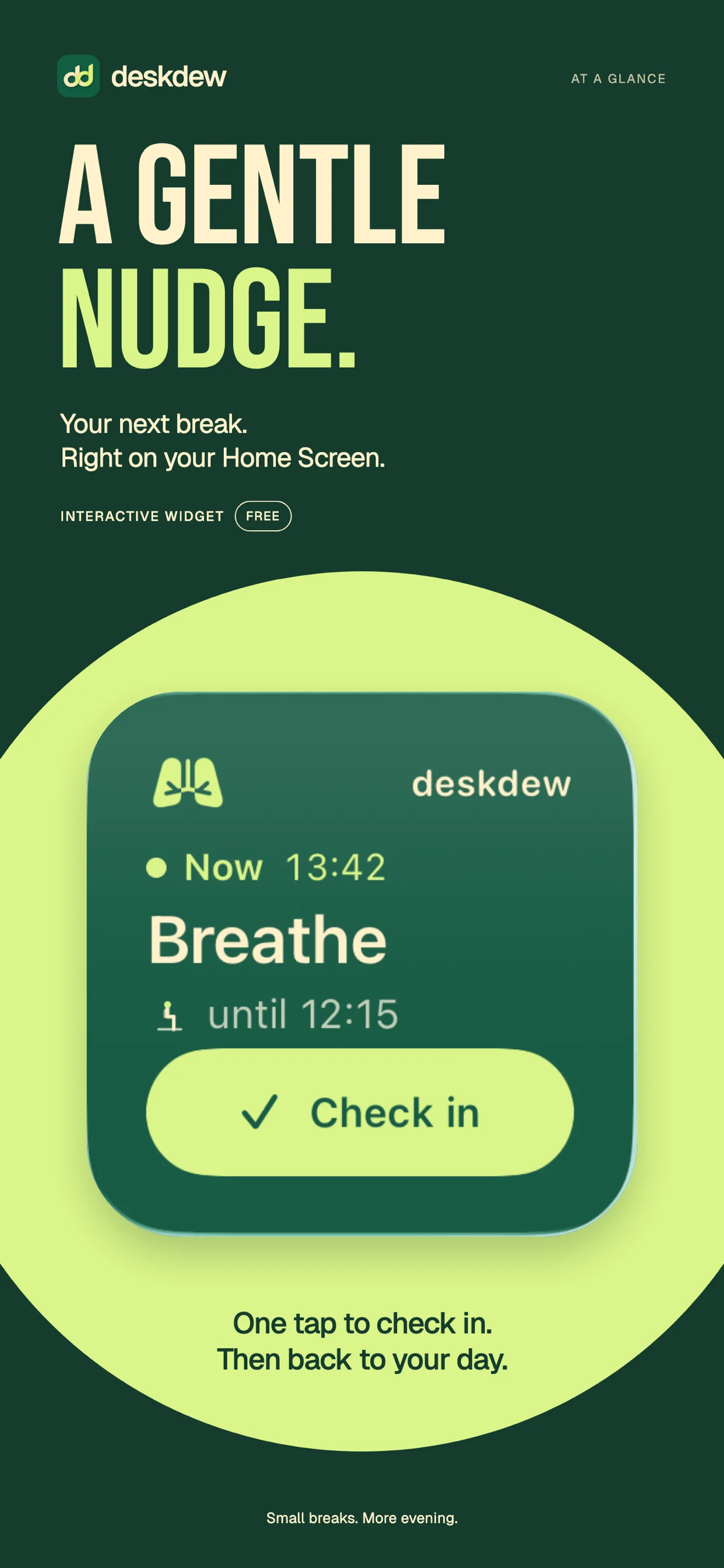
The widget
Tick it off without opening anything.
Your next break, right where you’ll see it. Check in straight from your Home Screen, then get back to what you were doing. A little nudge can be all you need.
There’s a Lock Screen widget too. Both are included for free and need iOS 17 or later.
Start free. Stay free, if that's enough.
No account, no ads, and nothing about your day going anywhere.
Free
Free
A whole working day, for nothing.
- Posture switches and hourly breaks
- Look-away and slow-blink eye exercises
- A two-movement stretch break: neck and chest
- Reminders for any of them
- The Home and Lock Screen widget
- Drain-O-Meter and daily check-in
- Recent history and practical tips
- One complete box-breathing preview
Pro
Everything in Free, plus
Monthly
Per month
renews until cancelled
Yearly
Per year
renews until cancelled
Lifetime
Once
and done
Open Deskdew to see current prices in your local currency and choose the plan that suits you.
- —Ten stretches and four eye exercises
- —Box and 4-7-8 breathing sessions
- —Control over how often each one comes
- —Weather-aware timing
- —Full history and deeper personal insights
The yearly plan offers a seven-day free trial for eligible customers, as shown in the app. Subscriptions renew until cancelled; the lifetime plan is a single purchase. Payments and subscriptions are managed by Apple.
Fair questions.
More answers on the support pageIs it tracking me?+−
No account, no analytics, no advertising, no trackers, and no servers of ours. Your working hours, routine, history and check-ins stay on the device. Two requests leave on their own: iOS asks the App Store whether Pro is active, which every install does whether or not you've paid, and — only once you switch it on — the weather forecast. Weather is the one that carries a location, and it has a single real off switch.
Read the privacy policyWill it nag me all day?+−
You choose which exercises are in your day, and on Pro how often each one comes. Every exercise has its own bell, so you can have a reminder for the eye break and nothing else. Reminders only fire during the working hours and days you've set.
I work nights. Does the schedule handle that?+−
Yes. Set your working hours to end before they start — say 22:00 to 06:00 — and Deskdew treats it as one overnight shift: breaks, posture switches, and your history all stay attached to the day the shift started.
What happens if I never pay?+−
Nothing stops working. The free version is a whole working day on its own, and nothing you set up is lost if you stay free — or if a subscription lapses and you come back later.
Tomorrow's desk day, with breaks in it.
iPhone · Widget requires iOS 17 · Free, with optional Pro